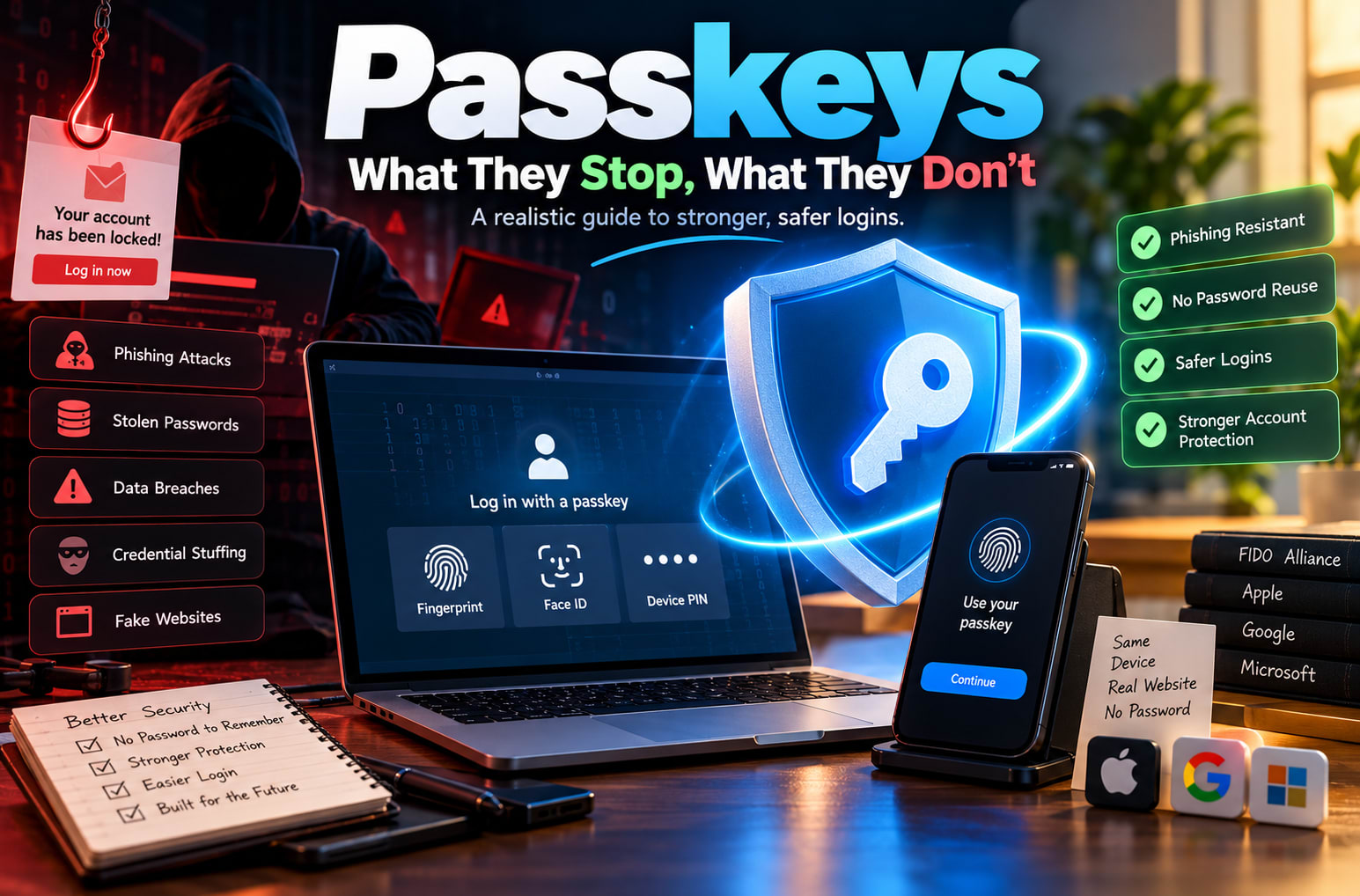
Almost everyone has had the moment where an email says “Your account has been locked,” and you get a flicker of panic. You click, type your password, and only afterwards notice the address looked slightly off.
That moment is exactly what passkey authentication was designed to prevent. By replacing traditional passwords with cryptographic credentials, passkeys help protect users against phishing, credential theft, and password reuse attacks.
But passkey authentication is not magic. While it eliminates several common password-related vulnerabilities, other security risks remain, including session hijacking, compromised devices, and weak account recovery processes.
This post explains how passkeys work, which cyberattacks they can prevent, which threats still exist, and how to protect your accounts more effectively.
So, what is a passkey?
A passkey replaces your password with a pair of cryptographic keys. One is a public key, which the website stores. The other is a private key, which stays on your device, such as your phone or laptop. When you log in, your device proves it holds the private key after you unlock it with a fingerprint, face scan, or screen PIN. The private key is never sent anywhere.
The FIDO Alliance, the industry group behind the standard, describes passkeys as a safer and simpler replacement for passwords. Apple, Google, and Microsoft have built support into their platforms. Their documentation shows the same pattern: you approve a login on a device you already own, and nothing secret travels over the internet.
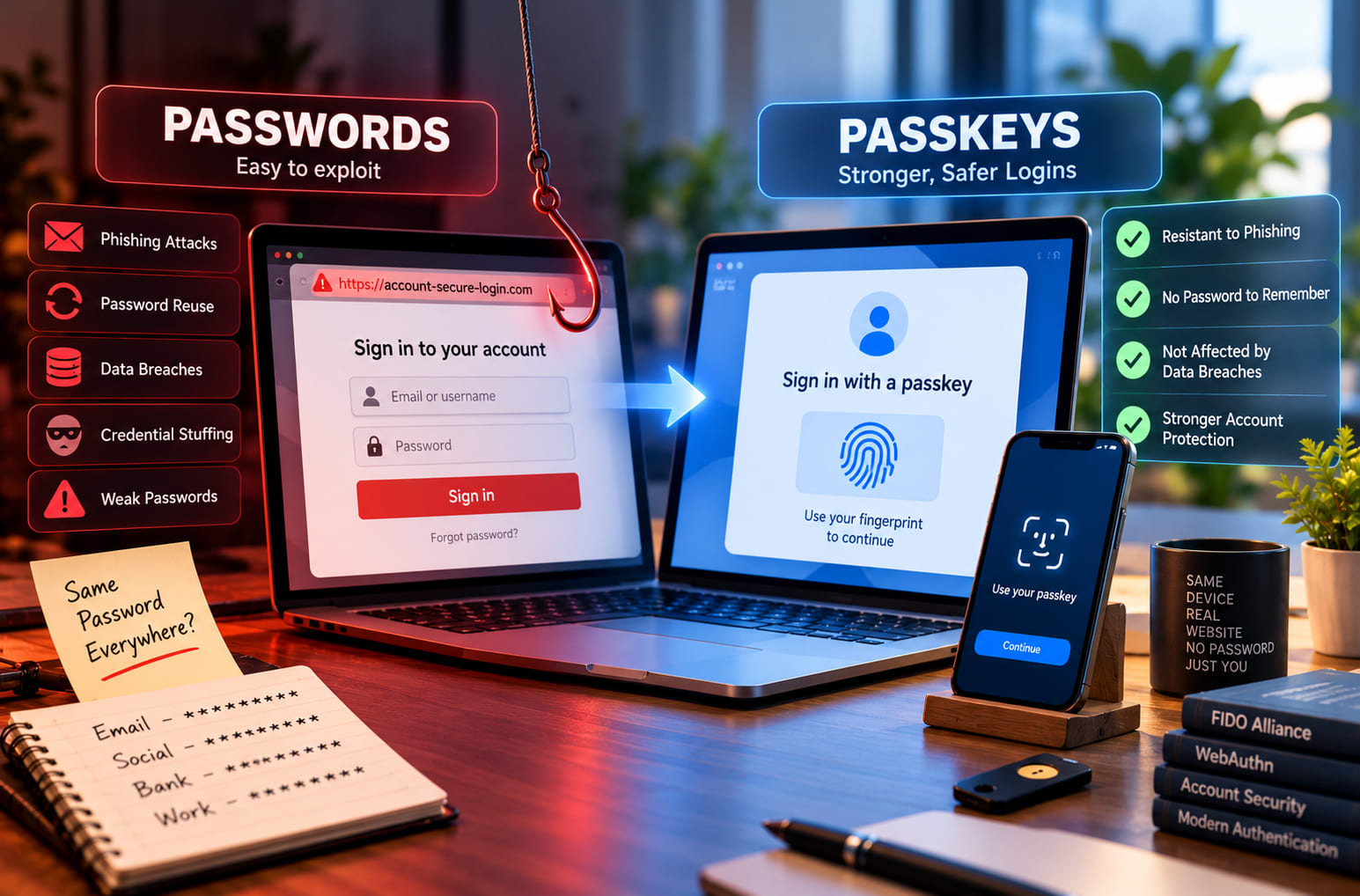
There is no password to remember, reuse, or type into a fake page. That is the point.
What passkeys genuinely stop
Phishing. This is the big one. A passkey is tied to the real website’s domain. If you land on a convincing fake, your device simply won’t offer the passkey, because the domain doesn’t match. The decision no longer depends on whether you spot the bad link at 11 pm after a long day. CISA treats phishing-resistant authentication, specifically FIDO/WebAuthn, as the strongest tier of multi-factor authentication, and passkeys are built on that same foundation.
Password reuse and credential stuffing. If a site you used years ago leaks its database, attackers can’t replay anything useful. The site only held your public key, and that is useless on its own.
Server-side breaches. Because the website never stores a secret that can be used to log in, a stolen database is far less damaging.
Weak, guessable passwords. There is nothing to guess.
One-time-code interception, in many cases. Codes sent by SMS can be tricked out of people or intercepted. A passkey login doesn’t rely on a code you read out or type in.
What passkeys don’t stop
This is the part most “passkeys are the future!” articles skip, and it matters most for anyone working in security.
Malware on your device. If an attacker already controls your phone or laptop, a passkey won’t save you. The protection assumes your device is basically trustworthy.
Session hijacking. After you log in, the website gives your browser a session token. If malware steals that token, the attacker can act as you without ever needing your passkey. Strong login does not equal a protected session.
Weak account recovery. Attackers rarely fight the strongest door when a weaker one is open. If someone can get into your account by passing a “forgot access” flow, answering security questions, or receiving a text code, the passkey was bypassed rather than broken. SIM-swapping and email takeover live here.
Help desk social engineering. A convincing caller who talks a support agent into resetting your login can undo all that cryptography with a phone call.
Lost or poorly managed devices. Many passkeys sync through your platform account, such as iCloud Keychain or Google Password Manager. That is convenient, but it means the security of that account, and of your device lock, now matters a lot. Device-bound passkeys on hardware security keys avoid that, at the cost of convenience.
Sites that keep passwords alongside passkeys. Many services still allow a password login next to a passkey. An attacker will go for the password route if it exists. A passkey you can bypass is only a partial improvement.
Coercion or physical access. If someone can force you to unlock your device, or you leave it unlocked and unattended, biometrics won’t help.
A realistic way to think about it
Passkeys remove a whole category of attacks, namely the cheap, scalable, human-error-driven ones, and that is a real win. But they move the attacker’s attention to what’s left: your device, your session, your recovery options, and your people.
So the practical advice is straightforward:
Turn on passkeys wherever they’re offered, starting with email, banking, and your main cloud accounts.
Protect your device lock and your platform account (Apple, Google, or Microsoft) with a strong passcode and its own strong sign-in.
Harden recovery. Remove old phone numbers, secure your email, and add backup methods deliberately.
Where the service allows it, remove the old password once the passkey works.
Keep devices updated. The device is now the vault.
Why this matters for your career
If you’re studying or planning to enter security, passkeys are a good example of how real-world defense works. A technology doesn’t “solve” security. It changes where the weak points are. Understanding authentication flows, recovery paths, session handling, and attacker behavior is the kind of threat security thinking that employers value.
That’s also why hands-on training counts. If you’re looking at cyber security courses in Jalandhar, look for programs that go beyond definitions and let you test login flows, review recovery weaknesses, and think like an attacker as well as a defender.
The bottom line
Passkeys are not hype, but they are not a force field either. They are one of the best upgrades most people can make today, as long as you also look after the doors around them.
Akshay Kumar
VERIFIEDAcademic Coordinator · Thread Security
Faculty mentor & research guide at Thread Security Education.