Can You Really Build an AI Product Without Coding?
Imagine having an idea for an AI-powered study planner, a customer-support chatbot or a tool that summarizes documents. You describe what you want in ordinary language, choose a few options, connect your data and watch an application take shape. You have not written hundreds of lines of code, yet you have something you can demonstrate.
This is no longer an unusual scenario. No-code AI tools, low-code development platforms and AI coding assistants are making software creation accessible to a much wider audience. Students, business owners, designers, educators and aspiring entrepreneurs can experiment with ideas that previously required considerable programming knowledge.
But an important question remains: if building an AI application is becoming easier, does that mean anyone can build a reliable AI product without technical skills?
The realistic answer is that AI has lowered the barrier to getting started. It has not removed the need to understand what you are building, protect the people who use it, fix problems or maintain the product over time.
What Are No-Code and Low-Code AI Tools?
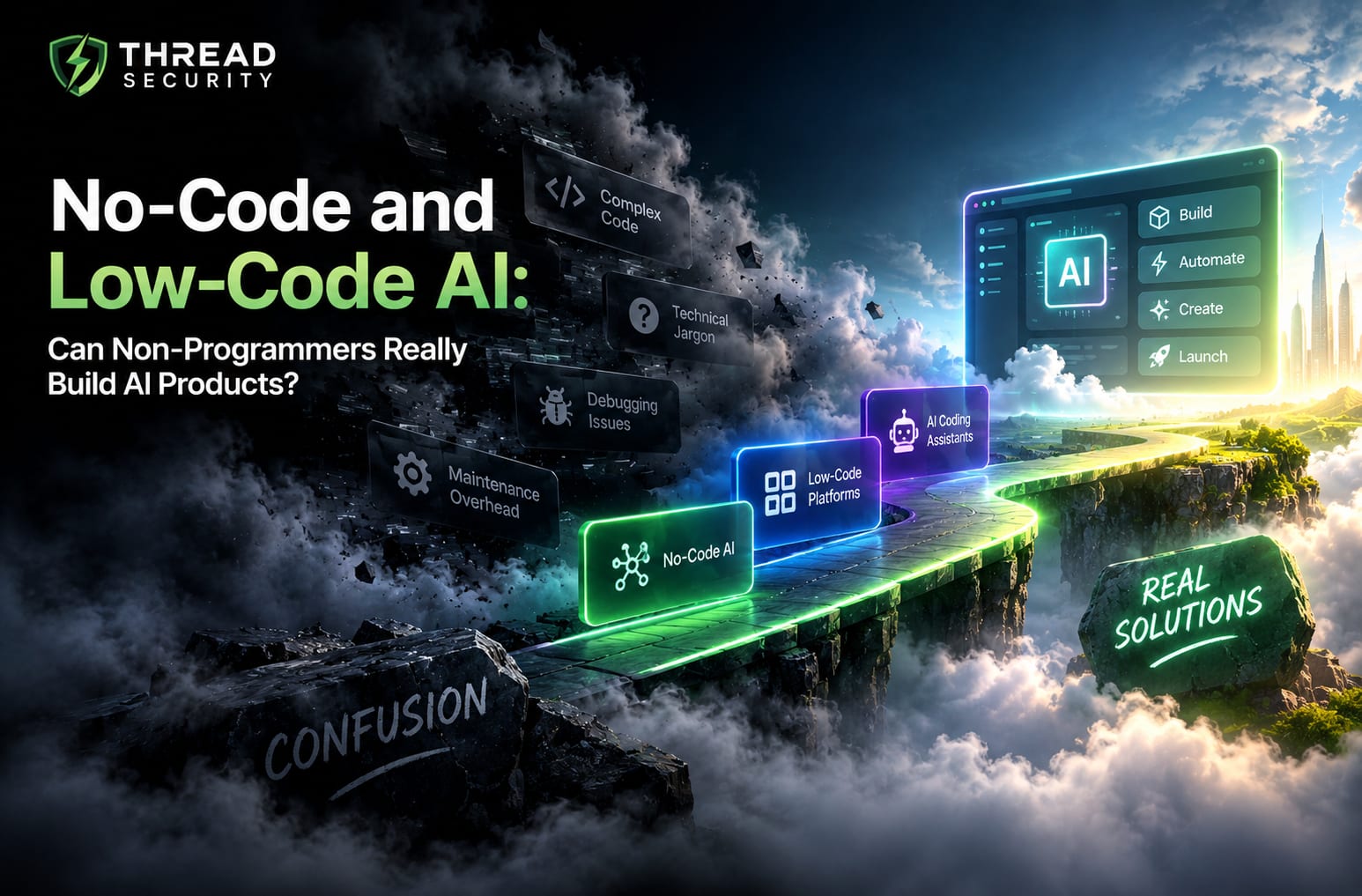
No-code AI tools let users create applications or automate workflows primarily through visual interfaces, configuration options and natural-language instructions. Instead of manually writing the entire application, users can select components, connect services, describe desired behaviour and configure the result.
Low-code platforms follow a similar approach but allow users to add custom code when the built-in features are insufficient. They offer a middle ground between visual development and traditional programming.
AI coding assistants introduce another approach. They can generate code, suggest changes, explain errors and help assemble applications from written instructions. Some tools also run commands, modify files and test parts of a project.
Although these approaches overlap, they are not identical. A visual no-code builder, a low-code workflow platform and an AI coding agent may offer very different levels of control, customization and responsibility.
No-code: Useful when the platform already supports most of the features you need.
Low-code: Useful when visual development needs to be extended with custom logic.
AI-assisted coding: Useful for generating or modifying code through natural-language instructions, with varying levels of human review.
The best choice depends on the problem, the users, the data involved and the reliability the final product must provide.
Vibe Coding: When a Prompt Becomes a Prototype
The growing interest in building software through conversations with AI has a popular name: vibe coding.
Andrej Karpathy introduced the term in a post on X on 2 February 2025. He described an approach in which a person gives instructions to an AI model, tries the generated application, requests changes and may accept the code without closely examining how it works.
This idea captured attention because it changed the starting point for software creation. Instead of first learning a programming language, a beginner could begin by describing a problem and asking an AI tool to produce a possible solution.
For example, a student might ask an AI coding tool to create a website where users upload lecture notes and receive a summary. The tool could generate an interface, connect a document-processing component and help create an initial workflow. The student could then test the application and request improvements.
That is a valuable way to explore an idea. However, there is an important distinction between generating a prototype and engineering a product. An application that appears to work during a demonstration may still contain incorrect logic, exposed credentials, poor error handling or weaknesses that become visible only when real users start using it.
Vibe coding is therefore best treated as a way to accelerate experimentation, not as proof that technical understanding is unnecessary.
What Did Satya Nadella Say About AI and Developers?
In March 2026, Microsoft CEO Satya Nadella discussed how AI is changing software development. In reporting published by IT Pro on 4 March, his message was that AI is lowering the barrier to becoming a software developer, while also increasing the sophistication and skills needed to work effectively with AI-generated code.
The distinction matters. Being able to create something with a prompt is not the same as understanding its implementation, identifying a hidden defect or making an informed decision about whether it is safe to deploy.
AI is changing the way people interact with software development tools. It can handle more of the repetitive work of generating code, but people still need to define the intended outcome, review the result and understand the consequences of their decisions.
For beginners, this is encouraging rather than discouraging. You do not need to master every programming concept before experimenting with an idea. However, learning the fundamentals gradually can help you move from producing impressive demonstrations to building applications you can explain, improve and maintain.
What Can Non-Programmers Actually Build?
The capabilities of no-code AI tools are most useful when the problem fits the platform's supported features and the consequences of failure are manageable.
1. Chatbots and Frequently Asked Questions
A beginner can create a chatbot that answers common questions about a course, business or service. Depending on the platform, the chatbot may use supplied documents, a knowledge base or an AI model to generate responses.
The challenge is making sure it does not confidently provide incorrect information, reveal restricted content or invent answers when the available information is insufficient.
2. Productivity and Automation Workflows
Visual workflow tools can connect forms, spreadsheets, email, AI models and other services. A user might build a workflow that classifies incoming messages, drafts responses or summarizes meeting notes.
These systems still need sensible permissions, error handling and checks to prevent incorrect outputs from triggering unwanted actions.
3. AI-Powered Content and Document Tools
Non-programmers can experiment with tools that summarize documents, extract information, categorize text or help prepare content. Such applications can be useful for internal productivity and early-stage demonstrations.
However, accuracy, privacy, document size limits and the handling of sensitive information must be considered before using them in a real organization.
4. Early-Stage Product Prototypes
Founders and students can use AI builders to explore an idea, demonstrate a workflow, collect feedback or test whether a problem is worth solving. A prototype can reveal what users actually need before substantial development resources are committed.
It is important to describe these outputs honestly. A working demonstration is not automatically a production-ready product, and a generated interface does not guarantee that the underlying AI feature works correctly.

Where No-Code AI Tools Reach Their Limits
The limitations often become clearer as an application grows beyond a small demonstration. A tool may make the first version easy to create while leaving difficult engineering decisions unresolved.
1. Security and Data Privacy
An application may handle personal information, uploaded documents, authentication details or business data. A visually attractive interface cannot tell you whether access controls are correct, credentials are exposed or one user can access another user's information.
Developers must consider authentication, authorization, secure configuration, data retention, third-party integrations and the permissions granted to AI agents. AI-generated code and automated actions should be reviewed rather than trusted simply because a tool produced them.
2. Debugging and Understanding Errors
When a feature fails, a beginner may repeatedly ask an AI assistant to fix it. This can be effective for straightforward issues, but changes made without understanding the underlying cause can introduce additional defects.
Debugging requires the ability to reproduce a problem, inspect inputs and outputs, read error messages, isolate the cause and verify that a proposed fix actually works. These are learnable technical skills, not tasks that disappear when code is generated automatically.
3. Maintenance and Future Changes
Software rarely remains unchanged. APIs evolve, dependencies receive updates, users request new features and previously acceptable shortcuts become obstacles. A system that is difficult to understand can become difficult to repair.
Low-code platforms may also create constraints around customization, portability or access to the underlying implementation. Before committing to a platform, consider whether you can export your data, move essential logic elsewhere and maintain the application if your requirements change.
4. Scaling and Integration
An application that works for a handful of test users may behave differently under heavier demand. Response times, operating costs, rate limits, data consistency and integration failures can become important.
Complex products may require custom architecture, performance testing, database design, monitoring or infrastructure decisions beyond what a visual builder handles automatically.
5. AI Accuracy and Unpredictable Outputs
AI-powered features can produce plausible but incorrect responses. A chatbot may misunderstand a question, a document extractor may miss a critical detail, or an AI workflow may take the wrong action.
Testing must cover realistic inputs, unusual cases and situations where the system should refuse to act or ask for clarification. For high-impact decisions, human review and appropriate safeguards are especially important.
A Practical Checklist Before Releasing Your AI App
Before sharing an AI product with real users, work through this checklist:
Purpose: Can you clearly explain the problem the application solves and who it serves?
Functionality: Have you tested the main workflow, incorrect inputs and failure cases?
Security: Are user permissions, credentials and sensitive information properly protected?
Privacy: Do you understand where the data goes, which services process it and how it is retained?
Accuracy: Have you checked the AI's outputs against known examples and realistic user requests?
Reliability: Does the application handle timeouts, failed integrations and unexpected responses appropriately?
Maintenance: Can you identify the important components and explain how you would update or repair them?
Cost: Have you checked platform fees, model usage, hosting and the cost of supporting users?
If you cannot answer these questions yet, you do not necessarily need to abandon your project. Treat the checklist as a learning roadmap and seek technical review before using the application in a setting where failures could harm people or businesses.
How Beginners Can Learn to Build AI Products Without Getting Stuck
You can start building AI applications without waiting until you know everything about programming. The key is to use tools as a learning aid rather than as a substitute for learning.
Start with one small problem. Build a simple FAQ assistant, document summarizer or personal productivity workflow rather than attempting a complex platform immediately.
Use a no-code AI tool to create a prototype. Focus on understanding the user journey and checking whether the idea is useful.
Learn the logic behind the workflow. Understand inputs, outputs, conditions, APIs, data handling and how AI models are connected to the application.
Learn enough programming to investigate problems. Python fundamentals, basic web concepts, API usage, data structures and error handling can significantly improve your ability to work with generated code.
Test, document and improve. Keep examples of successful and failed outputs, document important decisions and verify changes before releasing updates.
Ask for review when the stakes increase. Applications that handle sensitive data, financial transactions, important decisions or large user groups deserve appropriate engineering and security review.
This approach allows beginners to benefit from faster development while steadily building the knowledge required for more demanding projects.
Do You Still Need AI and Programming Skills?
Yes, although the way you use those skills is changing. AI tools can help generate code, explain concepts and speed up experimentation. Technical knowledge helps you decide whether the generated result is correct, identify its limitations and make better choices when something fails.
For students exploring AI careers, combining practical projects with programming, machine learning fundamentals, APIs, data handling and software testing can create a stronger learning experience than relying on prompts alone.
If you are exploring AI courses in Jalandhar, look for learning opportunities that combine guided practice with the fundamentals behind the tools. A useful programme should help you understand how applications work, build projects, troubleshoot errors and consider security not merely demonstrate how to generate an app.
Thread Security Education focuses on practical technology learning across AI, machine learning and cybersecurity. Explore the learning opportunities and training information available through Thread Security to understand how structured learning can support your next project.
The Verdict: Easier to Build Does Not Mean Easier to Engineer
No-code AI tools are expanding who can experiment with software. Vibe coding and visual builders can help non-programmers turn ideas into prototypes, automate repetitive tasks and explore potential products without beginning with traditional, line-by-line programming.
But the ability to generate an application is only one part of the process. Security, debugging, privacy, reliability, integration and maintenance remain important and become more demanding as the product grows.
The most useful question is not whether AI will let everyone build an app. It is whether people can learn to use these tools responsibly, recognize their limits and develop the skills needed to deliver something that works beyond the first demonstration.
Build with AI. Understand what you build. Test before you trust it.
Simranjit Kaur
VERIFIEDAI Trainer · Thread Security
Faculty mentor & research guide at Thread Security Education.