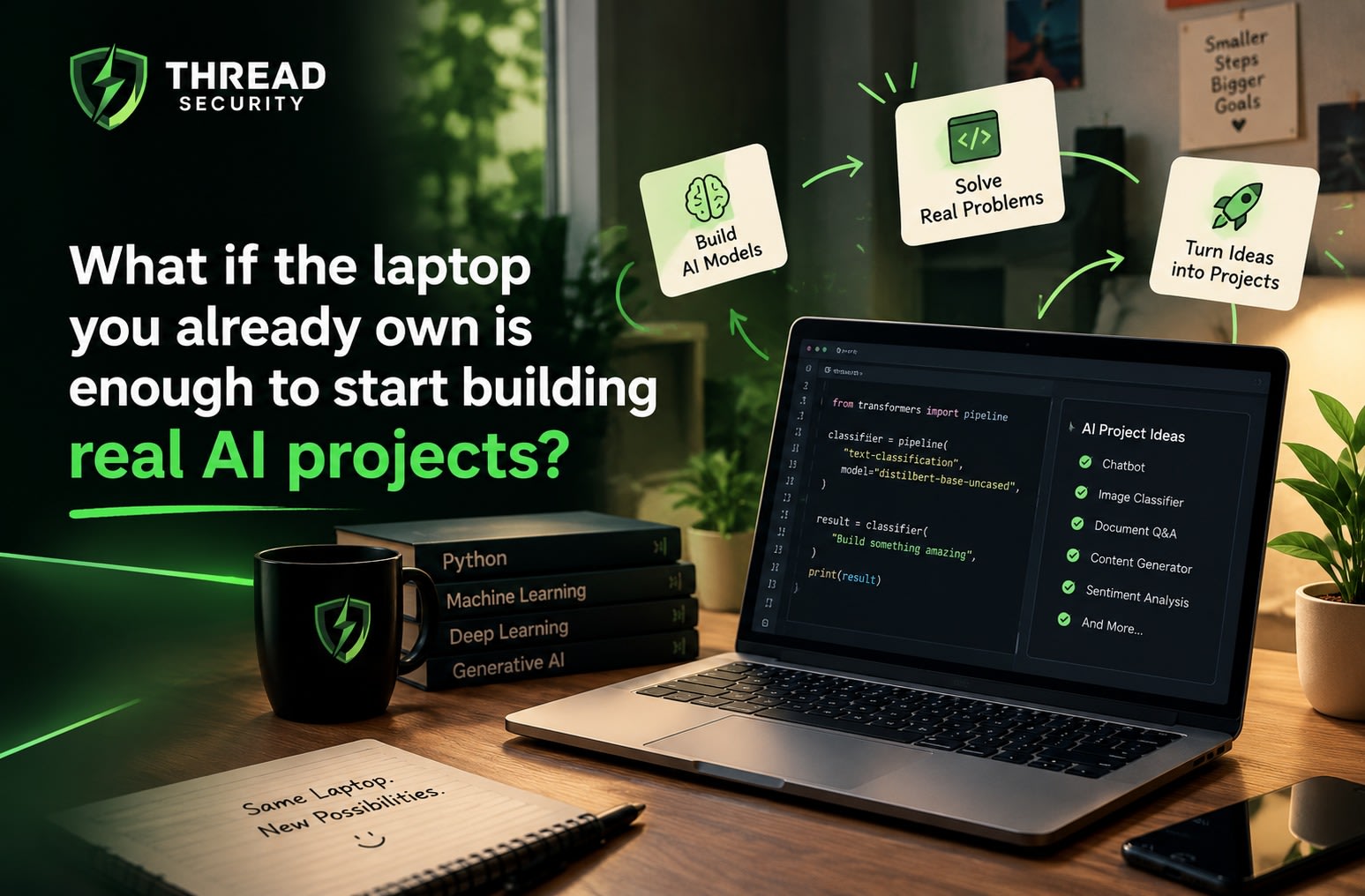
A student opens an AI tutorial, ready to build their first machine learning project. Within ten minutes, the excitement fades. The instructor is using a powerful GPU, the installation instructions look complicated, and the laptop on the desk has just 8 GB of RAM.
The student closes the tutorial, thinking they will try again when they have better hardware.
But what if the hardware was never the real problem?
Learning Artificial Intelligence does not begin with an expensive workstation. It begins with understanding a problem, finding the right tools, and learning how to make things work with the resources available.
With the right combination of free AI learning tools, a regular laptop can support Python programming, data analysis, traditional machine learning, and even small AI applications. You will not train the next large language model on it, but you can learn the principles that make such systems possible.
And the best way to discover this is to build something small.
Your First AI Lab Can Open in a Browser
Before installing complicated software, start with a notebook.
Google Colab lets you write and execute Python code directly in your browser. It is particularly useful when you want to experiment without configuring a local development environment. Its free tier offers access to computing resources, although availability, session duration, and usage limits can vary.
For local development, Jupyter Notebook provides an interactive environment where you can execute code in individual cells, inspect results, and visualise data as you work.
Both options help you learn one important habit: experiment in small steps.
Suppose you want to understand how a machine learning model predicts the species of a flower. Instead of writing an entire application, you can load a dataset, inspect its columns, train a simple model, and examine its predictions one step at a time.
When something goes wrong, you can identify the problem without having to debug an entire application.
That is a much more useful starting point than copying a long block of code and hoping it works.
Give Python a Workspace of Its Own
Once you are comfortable experimenting in notebooks, you can move towards a more organised development setup.
Python and Visual Studio Code make a practical combination for beginners. Python provides the programming language, while VS Code offers a workspace for writing, running, and managing your code.
You can begin with Python's built-in venv module to create a separate environment for each project. This helps prevent package versions and dependencies from interfering with one another.
Next, learn the libraries that form the foundation of many beginner AI projects:
NumPy for numerical operations and arrays.
Pandas for loading, cleaning, and analysing tabular data.
Matplotlib for creating charts and understanding patterns.
Scikit-learn for building and evaluating traditional machine learning models.
You do not need to master all four immediately. Start with Python fundamentals, work with a small dataset using Pandas, and introduce Scikit-learn when you are ready to train a model.
The objective is not to collect libraries. It is to understand why each tool is useful.
Find a Dataset That Gives You a Question to Answer
Here is where your AI learning lab becomes more interesting.
Instead of starting with an algorithm, start with a question.
Can a computer distinguish between different flower species using their measurements? Can a model estimate house prices from property features? Can customer reviews be classified according to their sentiment?
Free datasets make these experiments possible without requiring you to collect everything yourself.
Kaggle Datasets offers data across numerous domains, including sales, finance, customer behaviour, and education. The UCI Machine Learning Repository provides established datasets for learning classification and regression. For a particularly easy starting point, Scikit-learn includes small datasets that can be loaded directly through its Python interface.
Consider the Iris dataset. It contains measurements of flowers belonging to three species, making it suitable for a beginner classification exercise.
Load the data, inspect its features, check the distribution of the classes, and visualise a few relationships. Then split the observations into training and testing sets before fitting a model.
This sequence teaches something tutorials sometimes rush past: machine learning is not just about training an algorithm. Understanding the data and evaluating the results are equally important.
Three Projects Your Laptop Can Actually Handle
Once the environment and dataset are ready, you can move from experimentation to building.
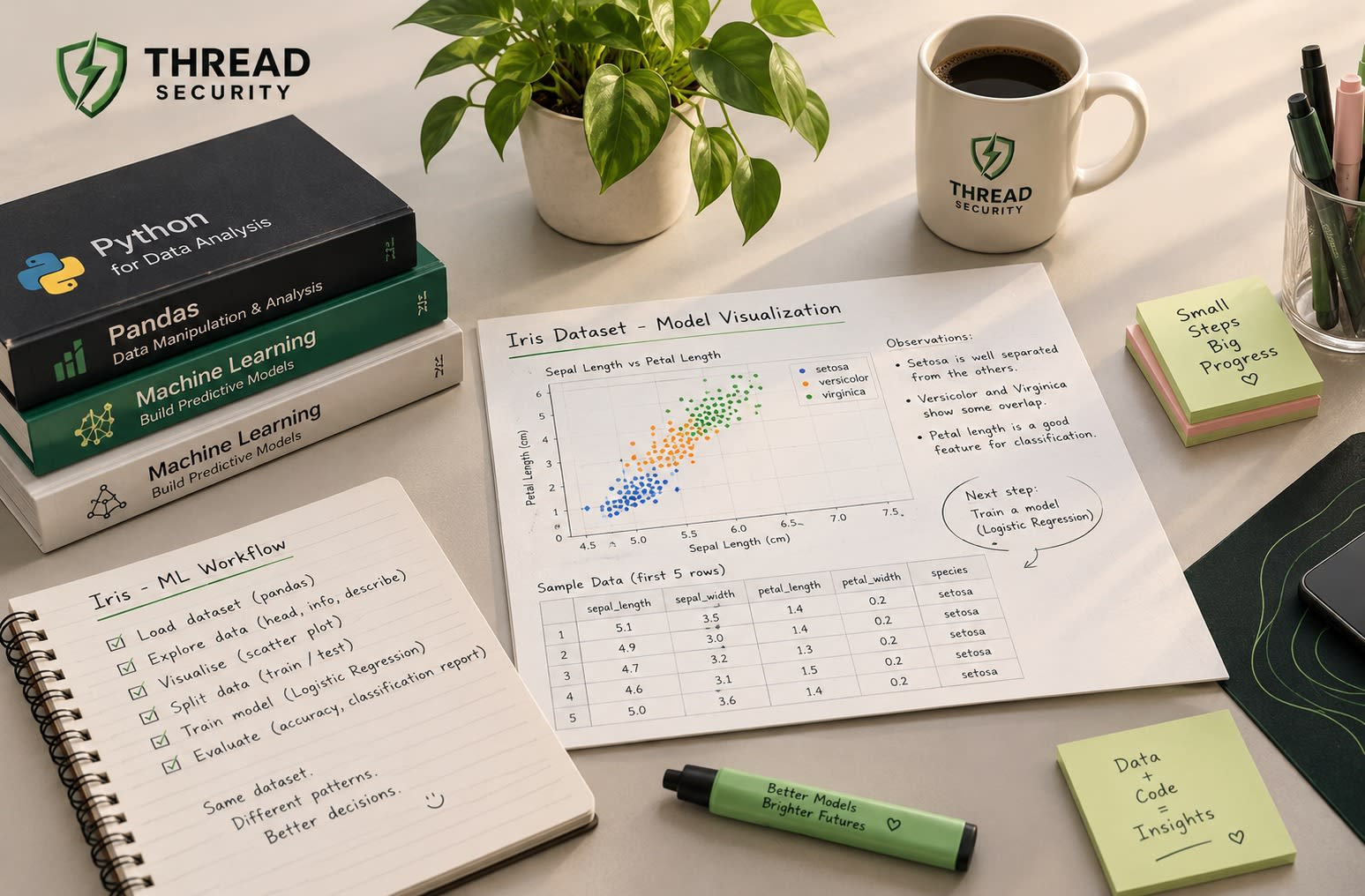
Project 1: Predict a Flower Species
Use the Iris dataset with Scikit-learn. Train a decision tree or logistic regression model, evaluate it on held-out data, and examine which predictions were incorrect.
You will learn the basic machine learning workflow without requiring a dedicated GPU.
Project 2: Explore and Predict Sales
Choose a small sales dataset. Use Pandas to investigate trends, Matplotlib to visualise them, and a regression model to estimate a numerical outcome.
Compare the predictions with actual values. Try changing the features and observe how the results change.
Project 3: Build a Text Sentiment Classifier
Start with a small collection of labelled reviews. Convert text into numerical features using TF-IDF and train a Naive Bayes or logistic regression classifier.
This introduces a fundamental idea behind natural language processing: computers need a numerical representation of text before many conventional machine learning algorithms can work with it.
All three projects can run on a CPU with modest datasets. Their value comes from the questions you investigate, the mistakes you correct, and the conclusions you can explain.
The Tool That Helps You Learn from Your Mistakes
There is one more free tool worth introducing before your projects grow: Git.
Imagine improving your model, changing several lines of code, and suddenly getting worse results. Which change caused the problem? Without a record of your work, answering that question can be difficult.
Git tracks changes in your code, allowing you to review earlier versions and return to a working state. GitHub provides a place to host your repositories and share your projects.
Begin with a few essentials: initialise a repository, commit changes, create a branch, and push your work to GitHub.
For each project, document the problem, the dataset, the approach, the evaluation results, and the limitations. This makes your repository more useful to other people and helps you explain your decisions during technical interviews.
For learners exploring practical technology programmes through Thread Security, threadsecurity.in is a starting point for learning about the organisation. The broader lesson applies regardless of where you study: the ability to demonstrate and explain your work matters more than the number of tools listed on your profile.
How Much Hardware Do You Really Need?
A modest laptop is enough for many introductory AI projects, but setting realistic expectations prevents unnecessary frustration.
4 GB RAM: You can practise basic Python and run small scripts, although multitasking and data analysis may feel restrictive.
8 GB RAM: A reasonable starting point for notebooks, Pandas, and small traditional machine learning models.
16 GB RAM or more: Greater comfort when working with larger datasets and several development tools simultaneously.
A reasonably modern dual-core or quad-core processor can handle many beginner-level experiments. An SSD helps keep everyday development responsive.
A dedicated GPU becomes more useful for training larger neural networks and running heavier deep learning workloads. Large language models can also demand substantial memory, depending on their size and configuration.
If your laptop struggles, reduce the dataset size, process data in batches, choose simpler models, and close unnecessary applications. Cloud notebooks may help with some workloads, but their free resources are subject to availability and usage restrictions.
Knowing when to simplify a problem is not a compromise in learning. It is part of learning to engineer solutions.
From Free Tools to Practical AI Skills
Return to the student who closed that first tutorial.
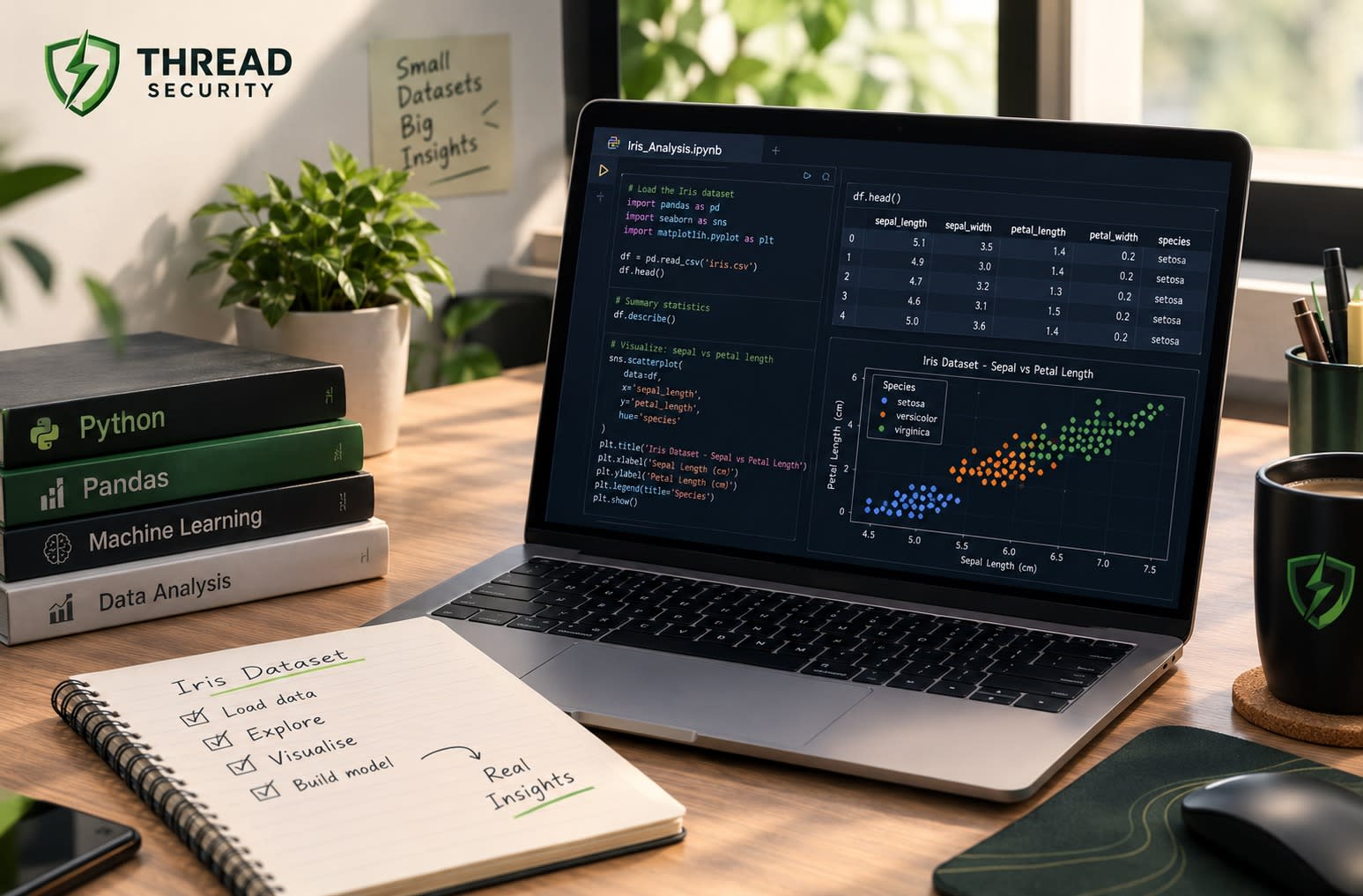
A few weeks later, the same laptop could contain a Python environment, a GitHub repository, a cleaned dataset, a trained classification model, and notes explaining what worked and what did not. The hardware has not changed. The student's ability to use it has.
That is the real opportunity behind free AI learning tools.
If you are researching AI courses in Jalandhar, look for learning experiences that encourage you to write code, debug errors, work with real datasets, evaluate models, and build projects independently. A structured learning environment can help you move beyond watching demonstrations towards understanding the decisions behind them.
You can explore Thread Security's website and its organisation website to learn more about the organisation and its initiatives.
You do not need to wait for a better laptop to begin. Start with a small question, use the resources available to you, and build something you can explain without reading from a tutorial.
Your first model might be simple. Your first repository might be messy. Your first few experiments might not work.
That is perfectly fine.
Because an AI learning lab is not defined by the power of the machine sitting on your desk. It is defined by what you learn to do with it.
Gurmehak Kalra
VERIFIEDAI Technical Associate · Thread Security
Faculty mentor & research guide at Thread Security Education.